
AcoustiMatch
Make your acoustic instrument's pickup sound like a real microphone.
A good microphone will always sound best. AcoustiMatch is for when a mic isn't practical and your pickup is what you've got.
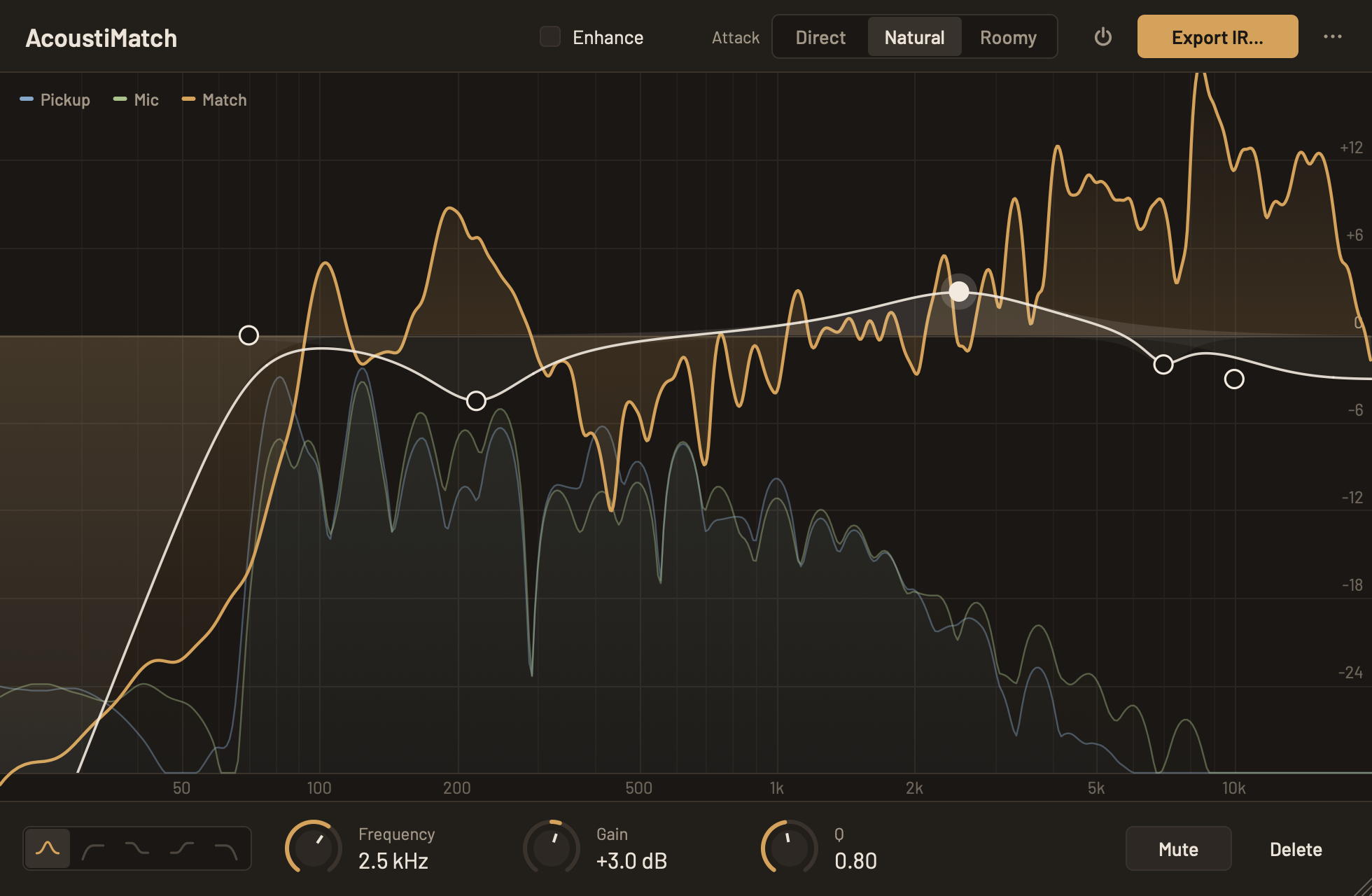
Impulse Response Creator
AcoustiMatch analyzes the tonal difference between your instrument's pickup and a microphone, then creates an impulse response (IR) that bridges the gap.
Load the IR into any convolution plugin or IR loader in your DAW, live rig, or standalone player — and your pickup will sound remarkably close to your mic'd tone.
Fine-tune the result with up to 16 EQ points (bells, shelves, and low or high cuts) and an Attack control that tames a piezo's quacky attack.
Available as a standalone app and a DAW plugin (VST3/AU/AAX).
How It Works
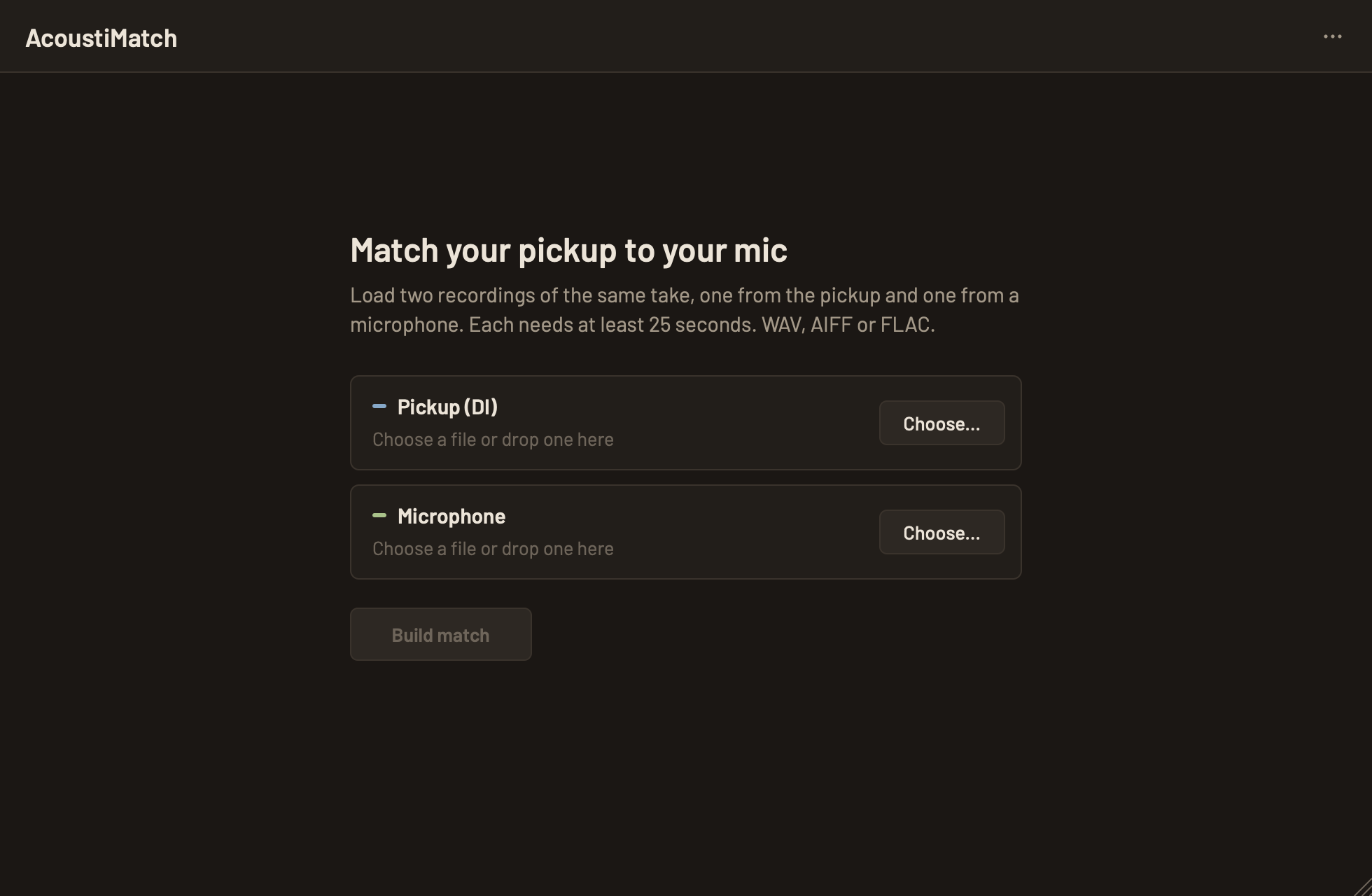
Record
Play your instrument while AcoustiMatch captures both the pickup and microphone signals simultaneously.
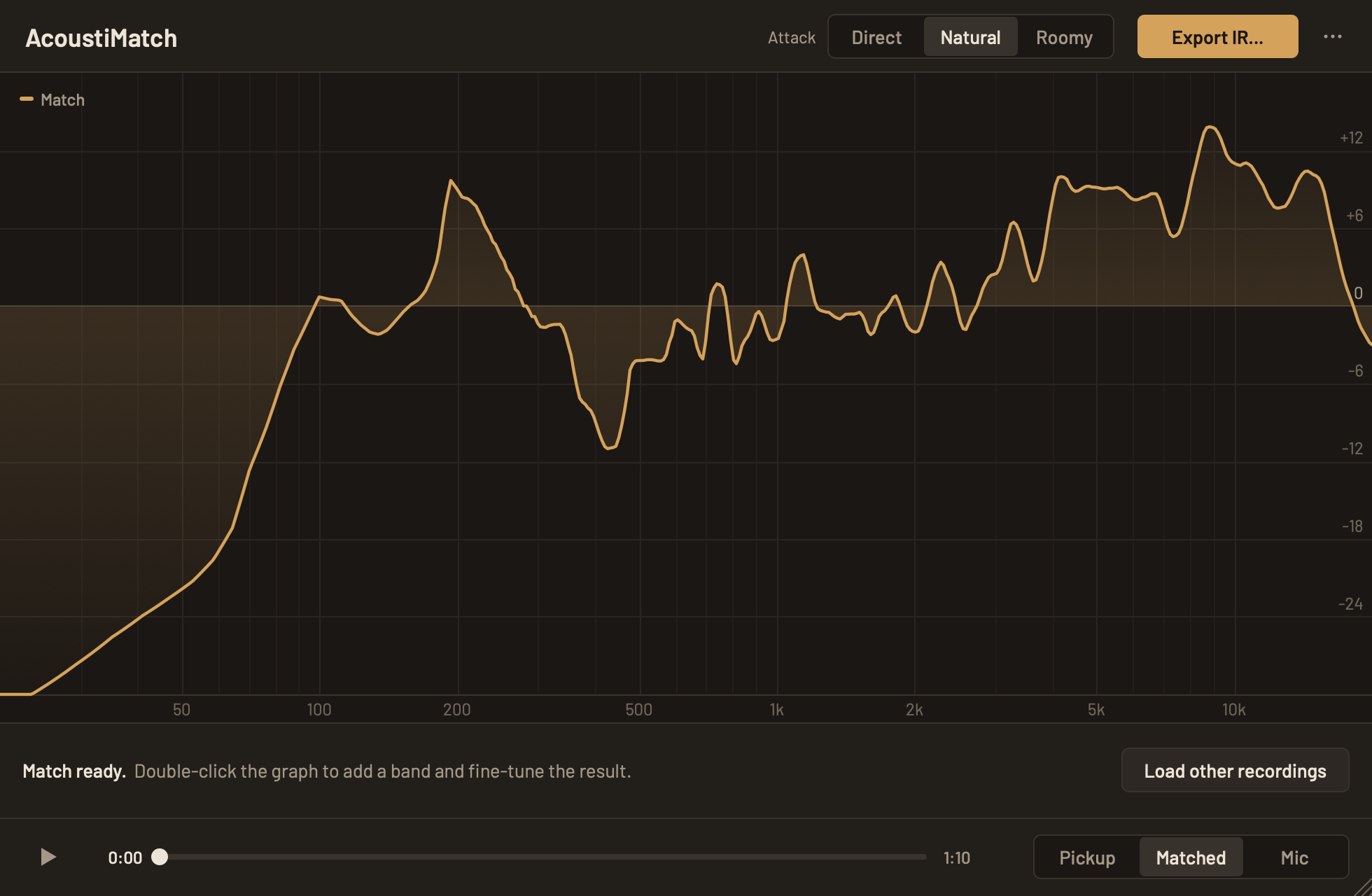
Match
The app analyzes the spectral differences and computes an EQ curve that transforms one into the other.
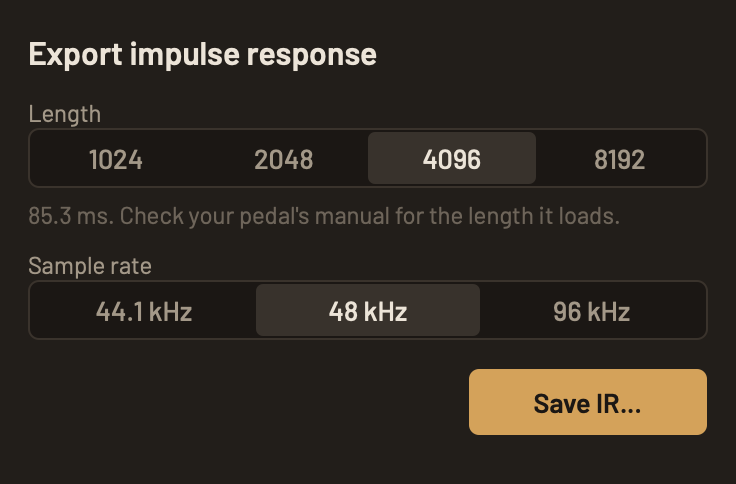
Export IR
Export the result as a standard impulse response file you can load into any IR loader or convolution plugin.
Step-by-step instructions, recording tips and troubleshooting are in the AcoustiMatch User Guide.
Free to Use
AcoustiMatch is free. Download the standalone app or DAW plugin below and try it on your own recordings.
I'd love to hear how the impulse responses sound on your rig, and what you'd change. Please send feedback.
Downloads
Download the latest version of AcoustiMatch for Mac or Windows.
v1.4.0
Latest release
Apple Silicon Mac (M1 or later), macOS 14 or newer.
Windows 10 or 11, 64-bit. Standalone app and VST3 plugin. Not code-signed yet, so Windows may show a SmartScreen warning: choose “More info”, then “Run anyway”.
New in 1.4: AcoustiMatch is out of beta, and a new Enhance setting smooths the narrow peaks and notches in the top end, live while you listen and in the exported IR. The guide also has new tips on shaping the mic sound. Each download includes the guide as a PDF; you can also read it online or download the PDF.